
A lifeguard and a security guard for your home.
Kourai is an intelligent computer that monitors your property through your outdoor cameras and alerts you to danger around your home.
Meet the Kourai Hub.
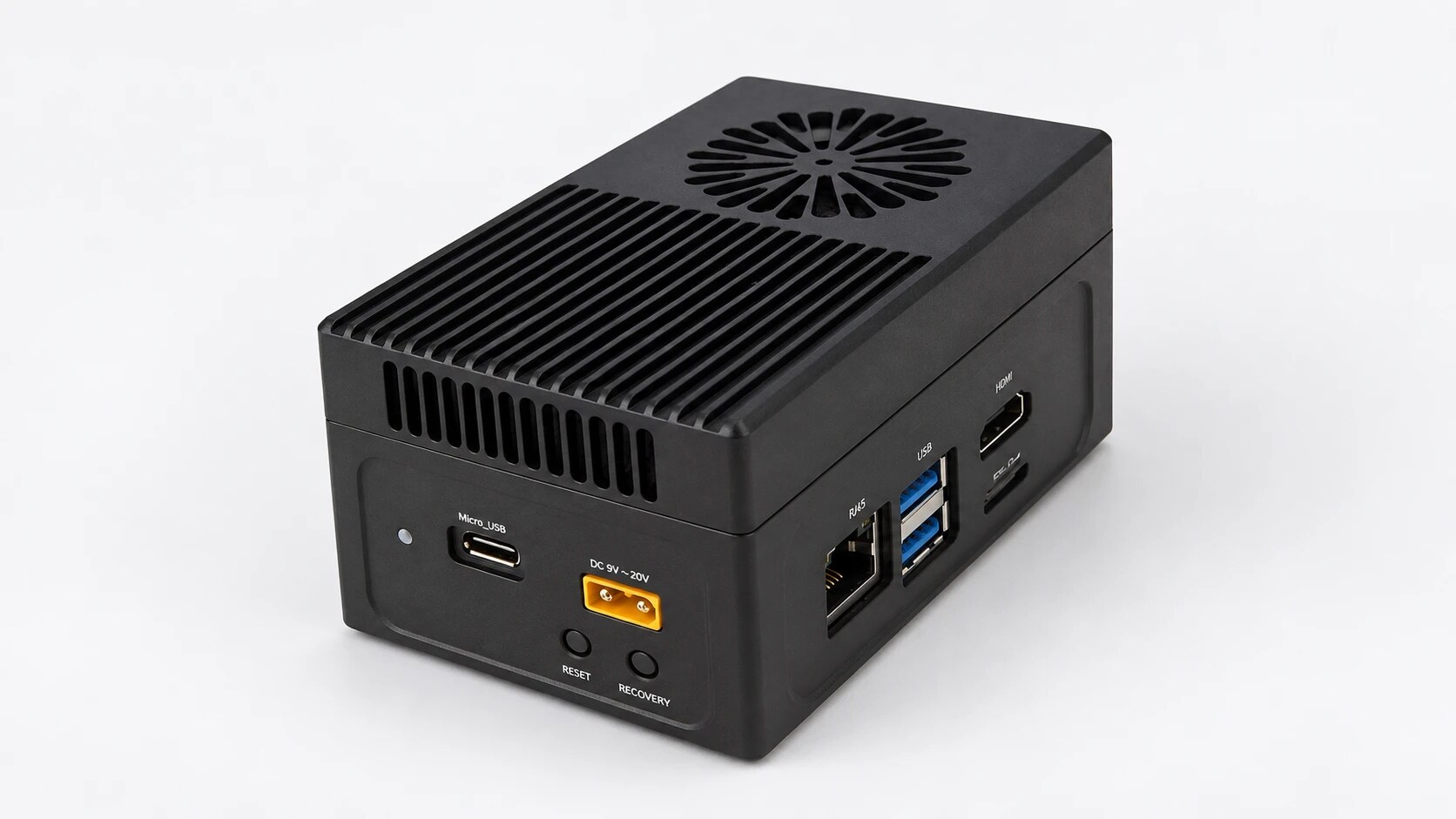
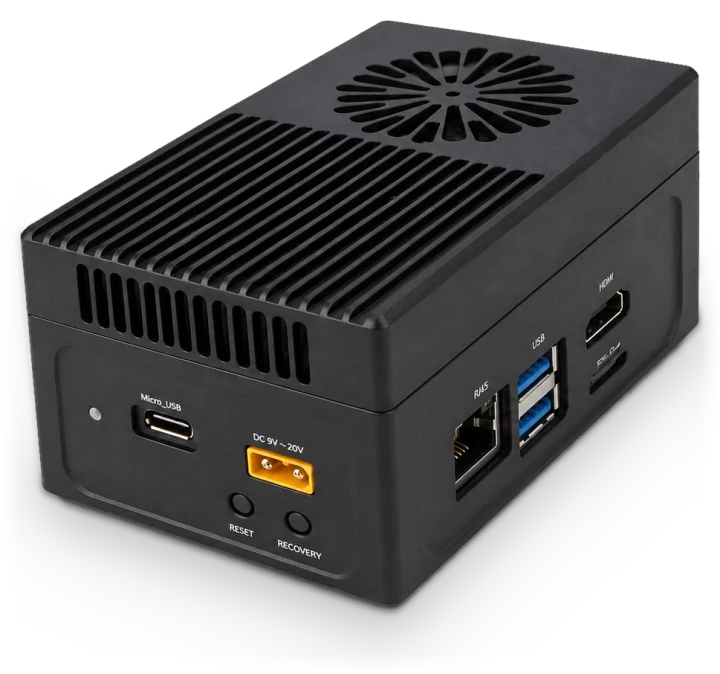
A computer that plugs in at home, connects to your outdoor cameras, and looks out for your family.
Digital Lifeguard
A lifeguard for the moments you look away.
If a young child gets near the water and no adult is around, Kourai alerts you. When an adult is there, it lets everyone swim.
Kourai helps you supervise. It doesn't replace an adult watching the water.
“A young child is at the pool edge alone.”
When a young child reaches the water with no adult around, Kourai sends a critical alert, and keeps sending it until the child is safe.
Only alerts when it matters.
With anyone 13 or older in view, Kourai holds its alarm. It still tells you when the pool is in use, or if someone stays under too long.
“Mia hasn’t surfaced! Check the pool!”Coming soon
If someone stays under longer than expected, Kourai alerts you, and alerts again if they don't come up.
Gets through, even on silent.
The most urgent alerts sound on every phone in the house, even on silent or Do Not Disturb, and can't be muted or snoozed in the app. Open the app to see the pool live.
Alerts go to your phones. No monitoring center, no siren.
Tells adults from children.
Kourai knows a child from an adult, and acts on it: a child alone sets off the alarm; with an adult there, it holds it.
- #1Drowning is the leading cause of death for children ages 1 to 4.
 CDC (opens in a new tab)
 - 11drowning deaths a day in the U.S., on average.CDC (opens in a new tab)
- 88%of children who drowned were in someone's care at the time.
 Safe Kids Worldwide, 2004 (opens in a new tab)
Digital Security Guard
Monitors your property.
Kourai knows where your property ends and recognizes familiar faces. When someone walks onto your property, you'll know if it's family or a stranger.
Knows your family and friends.
Kourai remembers the people you add, so you can tell family from a stranger at a glance.
“A person is on your property.”
When someone you haven't added walks onto your property, Kourai alerts you and shows you where they are.
Knows your property line.
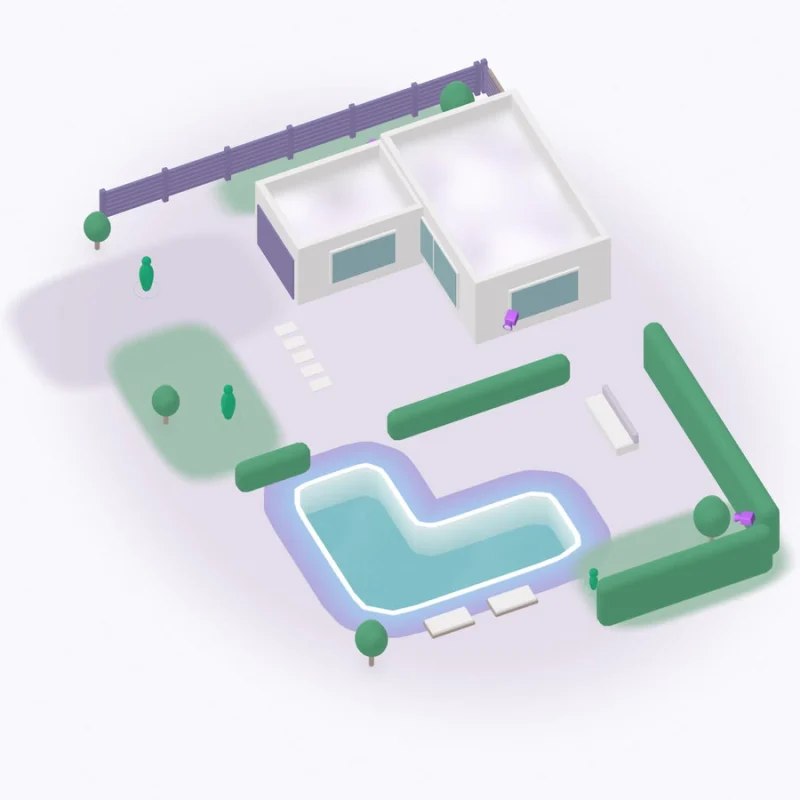
When it's set up, Kourai maps your home in 3D and works out where your property ends. If you need to, draw the line yourself in the app.
Follows people from camera to camera.
One alert per visit, not one per camera. Kourai follows each person from camera to camera.
Alerts
Understand your alerts.
Plain words tell you what happened. Four levels tell you how fast to move.
- LowGood to know.
- MediumCheck on it.
- HighGo now.
- EmergencyDrop everything.
Emergency. Drop everything. A young child gets into the water with no adult in view.
High. Go now. A young child reaches the edge of the pool alone.
Medium. Check on it. A young child is by the pool with no adult in view.
Low. Good to know. Someone you know walks onto your property.
Quiet. No alert. A child is at the pool and an adult is in view.
A young child gets into the water with no adult in view.
A young child reaches the edge of the pool alone.
Someone stays underwater longer than expected.
A young child is by the pool with no adult in view.
Someone is at the pool between 11 p.m. and 4 a.m.
A camera's view is blocked.
Someone you know walks onto your property.
Someone gets into an empty pool.
A child is at the pool and an adult is in view.
 Alex Morgan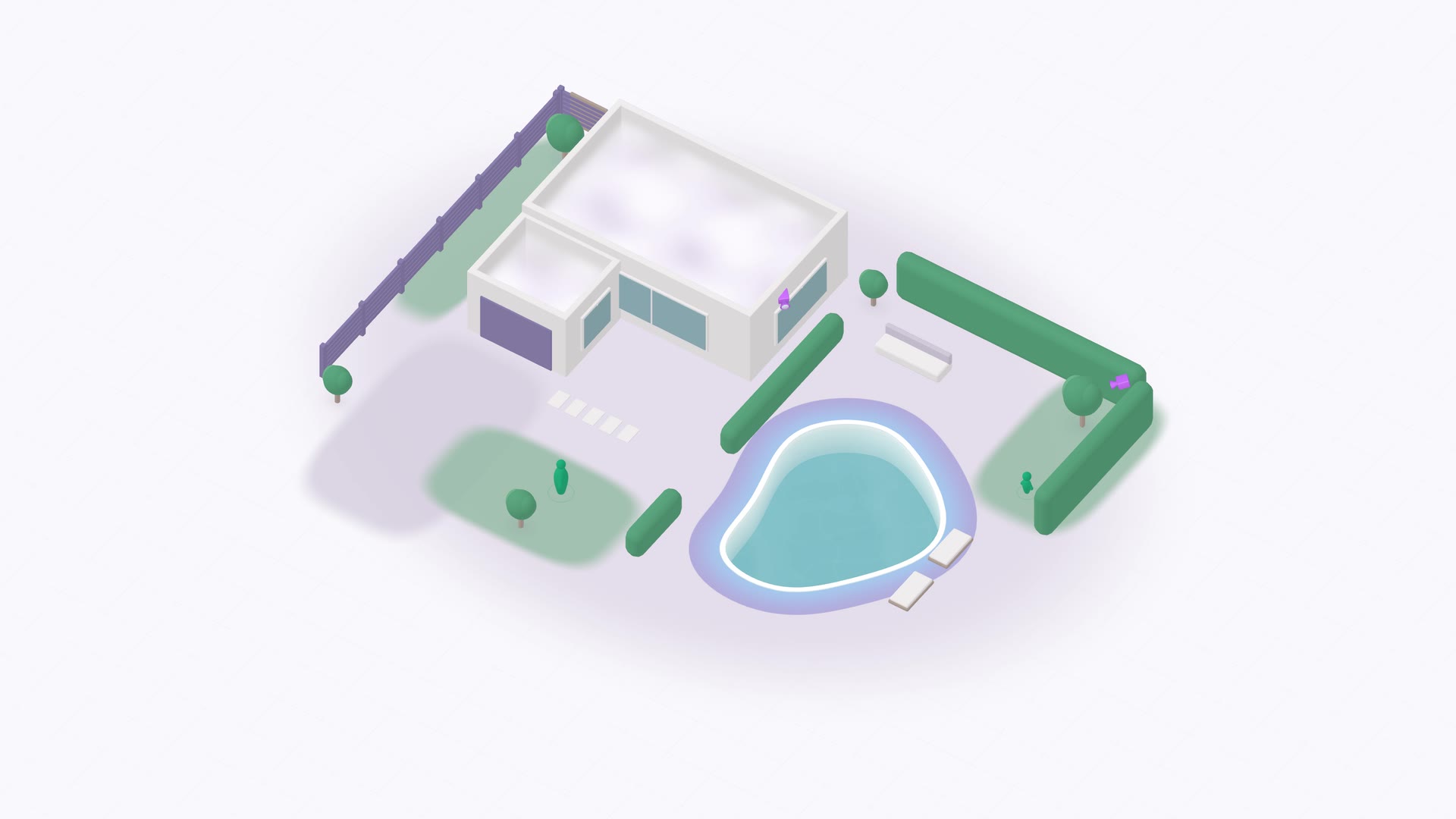
Live
See your whole property, live.
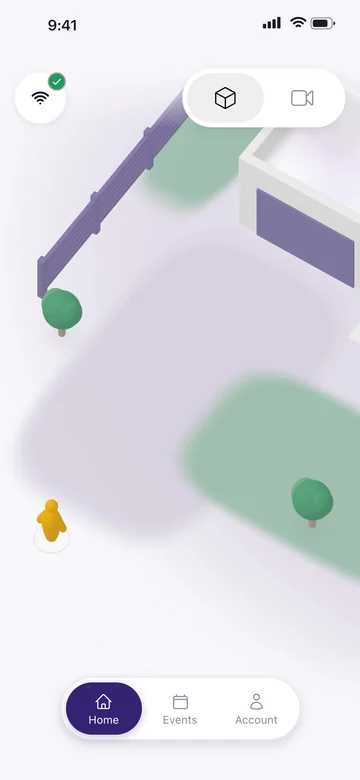
Open the app anywhere to see everyone on your property in one 3D view.
Pinch. Drag. Tap. Explore your property as naturally as you use your phone.
Privacy
Your data stays home.
Recordings, face recognition and every alert decision stay on the Kourai Hub. What leaves: alerts, your live view from away, and the walk-around video that builds your 3D map.
Decided at home.
Kourai decides what to tell you on the hub, not in a data center.
Recordings saved at home.
Video is saved on the hub in your house. It leaves only if you choose to share data with Kourai.
Faces stay home.
Recognizing your household happens on the hub, and stays there.
No one is watching.
No one at Kourai monitors your cameras or reviews your video.
How it comes together.


What you get.
The hub, cameras and installation for $2,100. Alerts and replay for $19.99 a month.
| $2,100one time | ||
|---|---|---|
| Kourai HubThe computer that monitors your home, with its power adapter and Ethernet cable. | Included | |
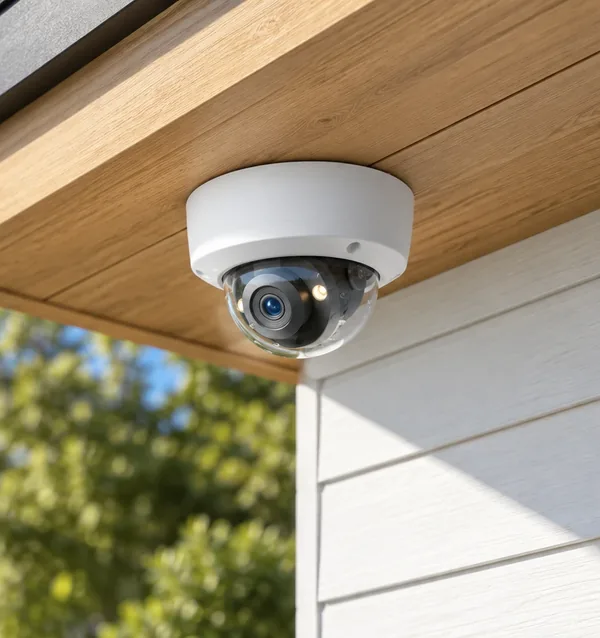
| CamerasWe supply them, picked for your home. Have supported cameras already? Use those. See supported cameras | Included | |
| InstallationWhite-glove setup, from the team that built Kourai. | Included | |
| $19.99a month | With a subscription | Without |
|---|---|---|
| Lifeguard and Security alertsOn your phone, with Critical Alerts that sound even on silent. | Included | Not without a subscription |
| Your householdEveryone you invite gets alerts on their own phone. | Included | Not without a subscription |
| ReplaySee what happened. Recordings stay on your hub. | Included | Not without a subscription |
| Zones and settingsDraw your property line and set up household profiles. | Included | Not without a subscription |
| Live view, from anywhereYour cameras and your home in 3D. | Included | Kept |
| Your hub and everything on itNothing is wiped. Subscribe again and it all comes back. | Included | Kept |
- Cancel anytime. Kourai keeps working to the end of the month you’ve paid for.
- Kourai alerts your phones, not a monitoring center.
How installation works.
It’s included: we set it up with you. Here’s how it goes.
Plan it together.
After you order, we email you to plan your installation.
Mount and connect.
Cameras go high outside, one cable each for power and data. The hub, indoors by your router, finds them itself.
Map your home.
A walk around your yard with a phone maps your home in 3D.
Calibrating takes 20 to 35 minutes, most of it waiting. Your 3D home finishes after that.
Open the app.
Scan the code on the hub and invite your household. The app tells you when your home is ready.
Your home needs a spare port on your router, an outlet near it, and an iPhone with iOS 17.6 or later. Every step, in the guide
Already have Kourai? Get started